
Help/Dashboard
Using the Dashboard
Updated July 27, 2026·1 min read
On this page
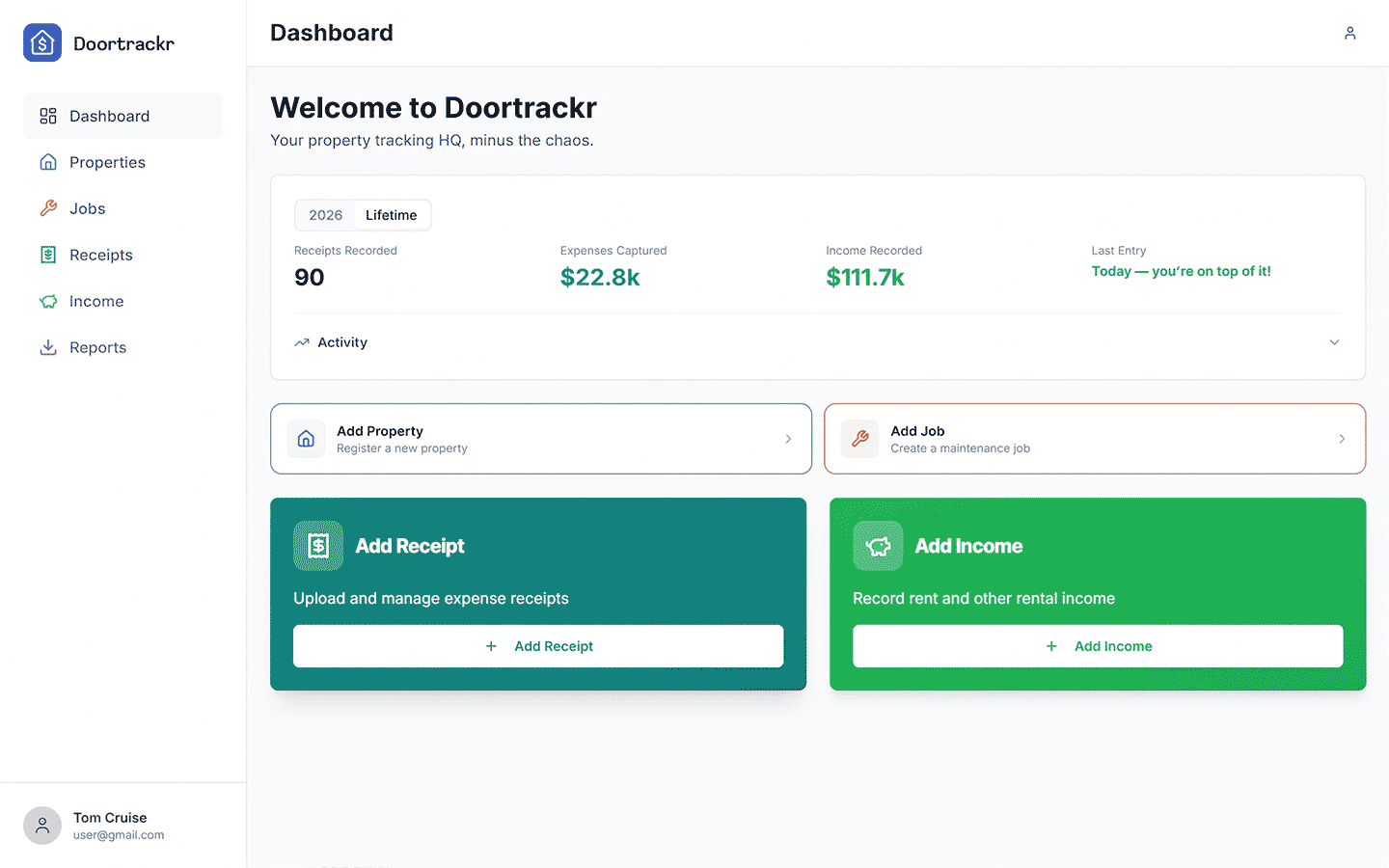
The Dashboard is your home screen after sign-in.
Stats
You’ll see year and lifetime style summaries for receipts/expenses, income, and related activity. Use these as a pulse check — detailed breakdowns live on Reports.
Activity feed
Recent properties, jobs, receipts, and income appear in the feed. CSV imports on web may group as batch activity.
Quick actions
Shortcuts help you add a property, receipt, income, or job. If you’re at your plan’s property limit, adding a property opens the paywall — see Property limit and paywall.
Tips
- After your first entries, refresh or navigate away and back if the feed feels stale on a slow connection.
- Welcome or tour modals may appear on first login; you can dismiss them and continue.
See also
Still stuck? Email support@doortrackr.com.