
Help/Income
Add income
Updated July 27, 2026·1 min read
Steps
1. Open Income
Web sidebar or mobile Income tab.
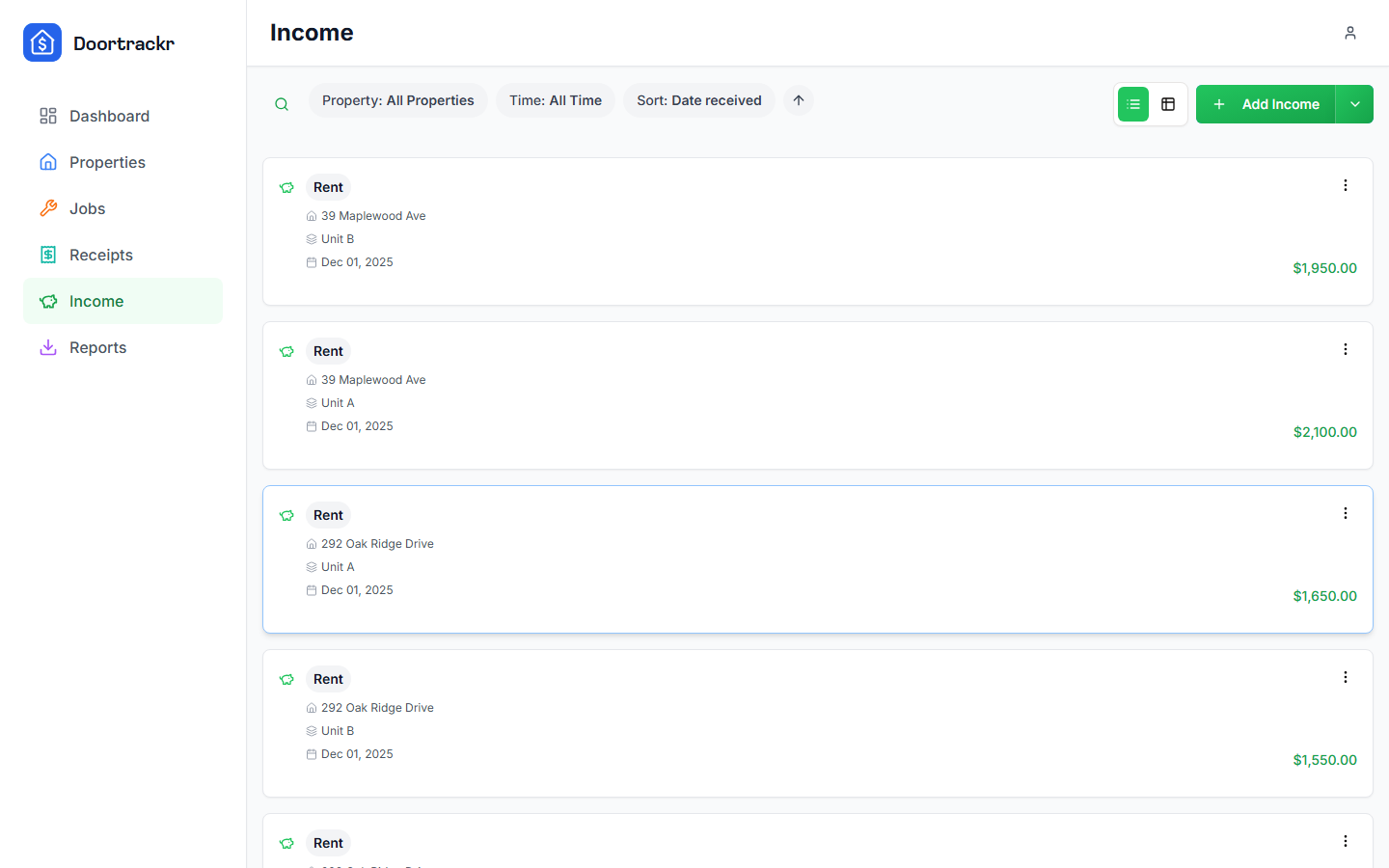
2. Create an entry
Set:
- Amount and date received
- Preset category (Rent, late fee, etc.) or a custom category
- Property and unit — or general income with no property when appropriate
3. Save
The entry flows into Schedule E income lines and reports.
Tips
- Log rent when it’s received so April is boring.
- See Security deposits before categorizing deposits.
On mobile
Same fields; use detail/delete modals to manage existing rows.
See also
Still stuck? Email support@doortrackr.com.