
Help/Properties & units
Add and edit properties and units
Updated July 27, 2026·1 min read
Properties are the backbone of Doortrackr. Almost every income and expense ties back to a property (or is marked general/unassigned).
Steps
1. Open Properties
On web: sidebar → Properties. On mobile: Properties tab.
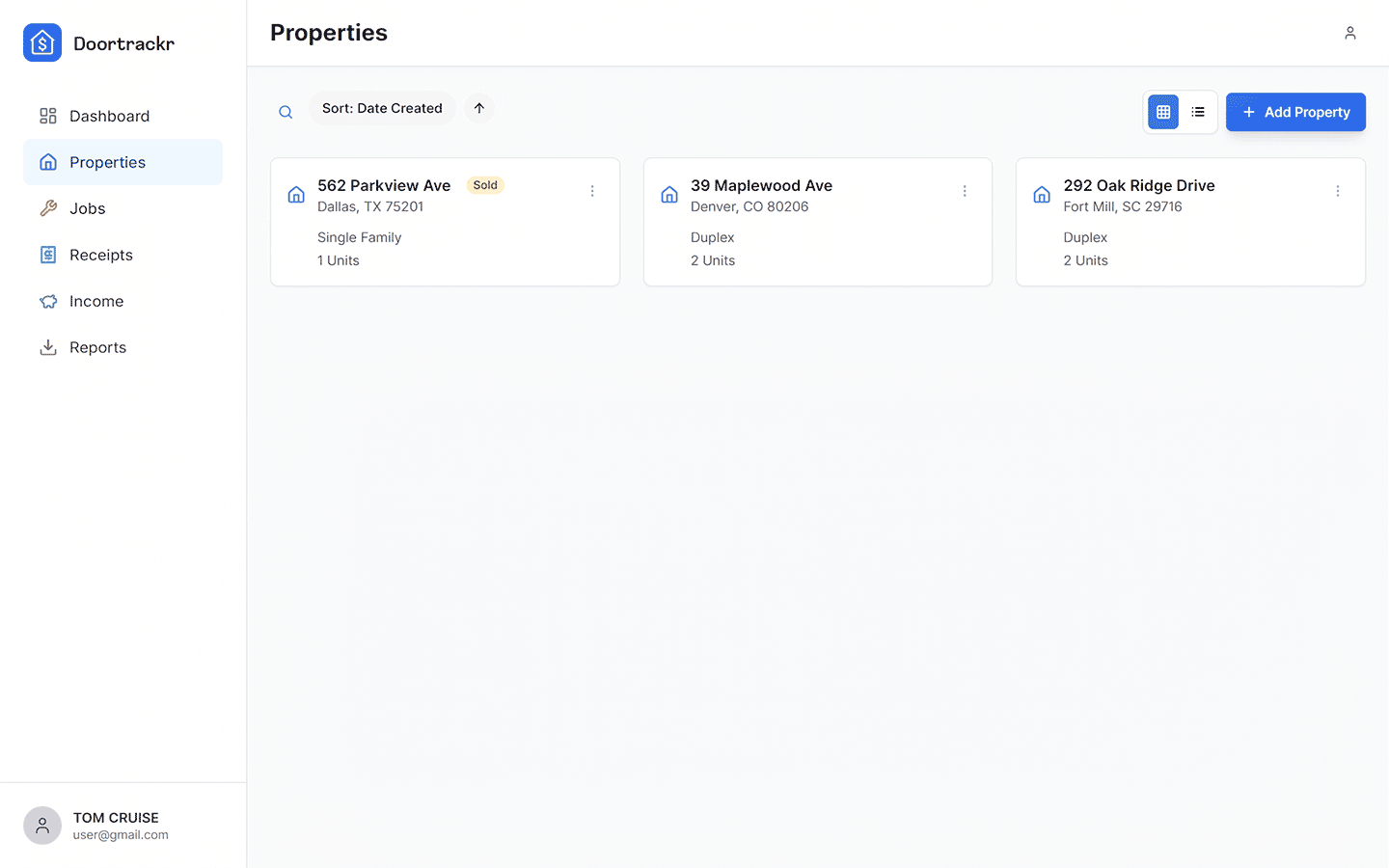
2. Add or edit
Click Add property or open an existing property to edit. Fill in:
- Street address, city, state, ZIP
- Property type (Apartment, Duplex, SFR, etc.)
- Units — use generic labels like Unit A, Unit B, or Common (avoid tenant names)
3. Save
Save and verify the address shows on the list. Multi-select filters on list and report pages use these properties.
Tips
- Units are for allocation, not tenant management.
- Plan limits count all properties (including sold) until you permanently delete one.
Related
See also
Still stuck? Email support@doortrackr.com.