
Help/Getting started
Create an account and sign in
Updated July 28, 2026·1 min read
You can create a Doortrackr account on the web or in the mobile apps. One account works everywhere.
Steps
1. Open sign up
On the web, go to app.doortrackr.com/signup or click Sign Up on doortrackr.com.
On mobile, open the Doortrackr app and choose sign up from the start screen.
2. Create your account
Pick one of:
- Email and password
- Magic link (email link, no password)
OAuth sign-in (Google, Apple, GitHub, and similar) is not available at this time.
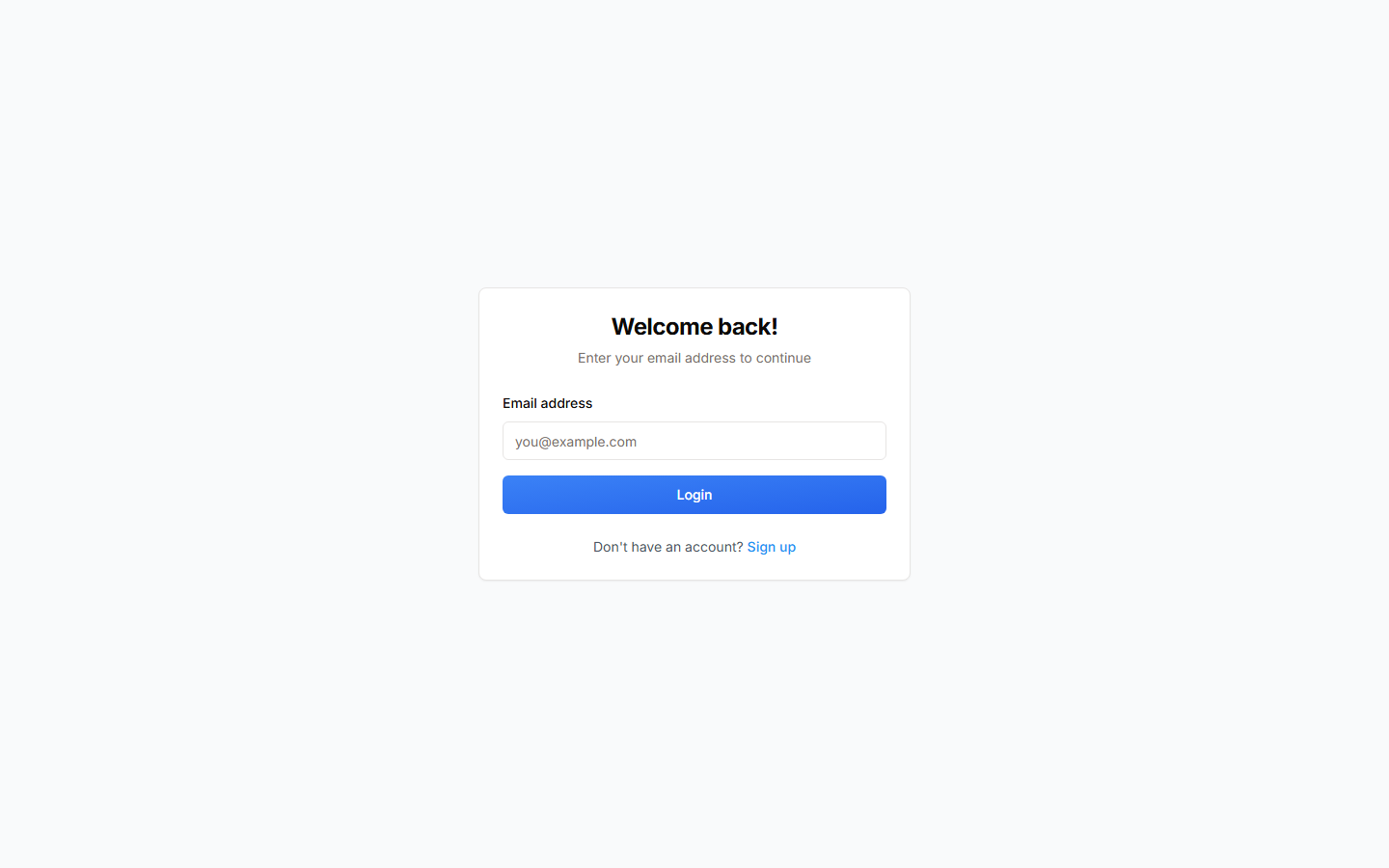
3. Sign in later
Use app.doortrackr.com/login or the mobile app. Prefer the same sign-in method you used at signup. You can add password or magic link later under Account Settings when those options are available.
Tips
- Check spam for magic-link or confirmation emails.
- After signing in on the web, you land on the Dashboard.
- Free plans start with 1 property — upgrade when you need more.
On mobile
Sign-up and login flows match the web conceptually. Deep links from email open the app when installed.
Related
See also
Still stuck? Email support@doortrackr.com.