
Help/Account & sign-in
Account settings and deleting your account
Updated July 27, 2026·1 min read
On this page
What you can change
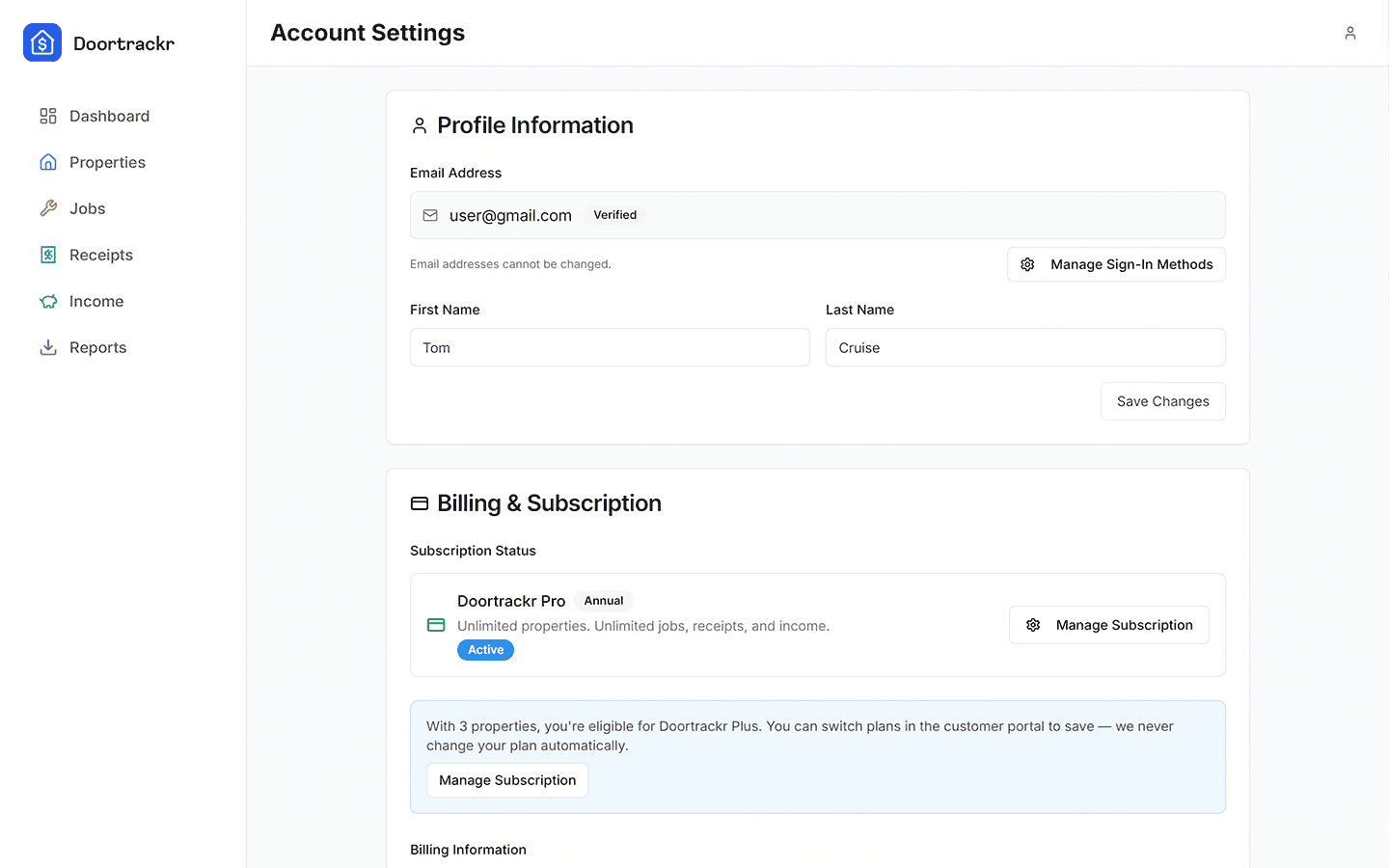
In Account Settings you can typically:
- Update display name
- Review subscription status
- Manage sign-in methods
- Open billing portal (when subscribed on web via Stripe)
- Adjust preferences (for example marketing opt-in where shown)
Email is tied to your authentication identity and is not freely editable like a nickname.
Delete account
Deleting your account is permanent. Doortrackr walks you through a confirmation flow. After deletion, you will not be able to recover data from that account.
If you only need to free a property slot, delete a property instead of deleting the whole account.
On mobile
Account Settings is in the drawer menu. Subscription management for App Store / Play purchases happens in those stores.
See also
Still stuck? Email support@doortrackr.com.