
Help/Properties & units
Mark a property as sold
Updated July 27, 2026·1 min read
On this page
When you sell a rental, mark it as sold so history stays available for taxes and reports.
Steps
1. Open the property
Go to Properties and edit the property you sold.
2. Mark as sold
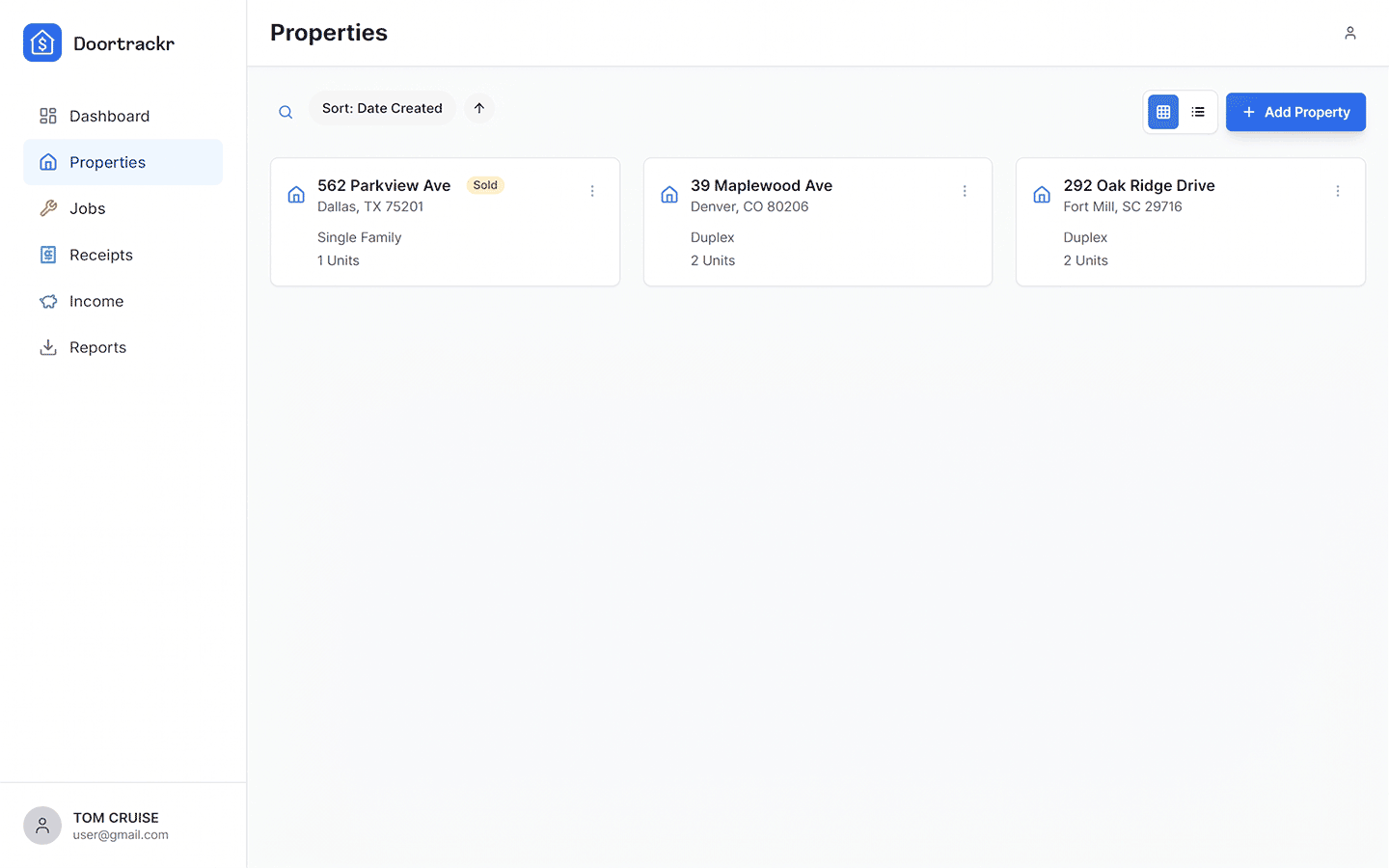
Use Mark as sold (or equivalent) and enter the sale date. The property shows a Sold badge.
3. Keep using history
Past receipts and income remain. Reports can still include the property. If you date a new entry after the sale date, Doortrackr may ask you to confirm — it does not silently block the entry.
Important: plan limits
Sold properties still count toward your Free / Plus / Pro property limit. To free a slot, permanently delete a property you no longer need in history.
See also
Still stuck? Email support@doortrackr.com.