
Help/Jobs
Create and manage Jobs
Updated July 27, 2026·1 min read
Steps
1. Open Jobs
On web, open Jobs (sometimes labeled under maintenance). On mobile, use the Jobs tab.
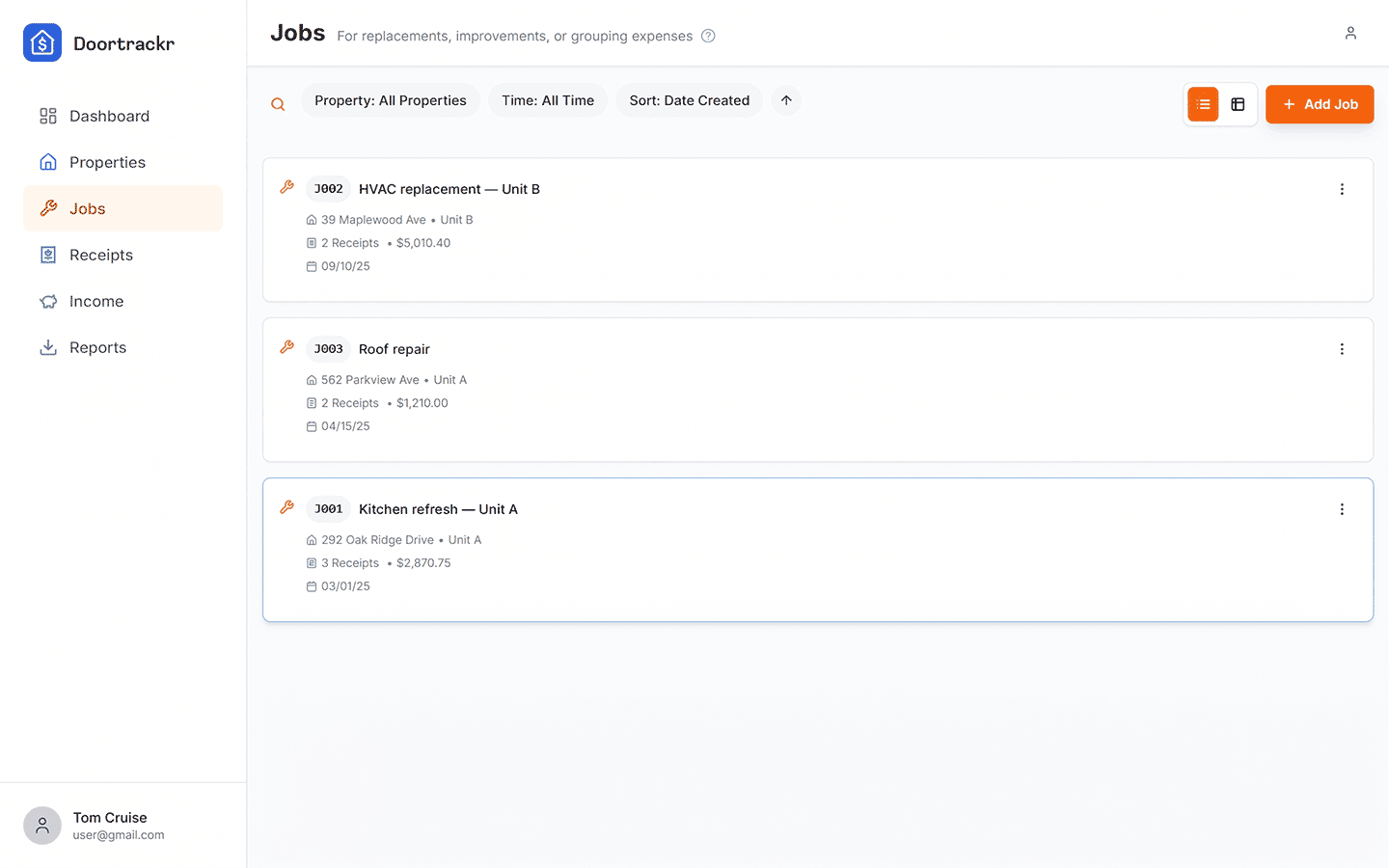
2. Add a Job
Create a job with:
- Property (required)
- Optional unit
- Description (for example “Kitchen remodel — Unit A”)
- Dates opened / start as applicable
3. Link receipts
When adding a receipt, select the Job. That groups costs for the Jobs Summary and exports.
Tips
- Use clear project names your CPA will understand.
- On web, switch between card and spreadsheet views when scanning many jobs.
See also
Still stuck? Email support@doortrackr.com.