
Help/Reports & tax
Export CSV and PDF Tax Report
Updated July 27, 2026·1 min read
Steps
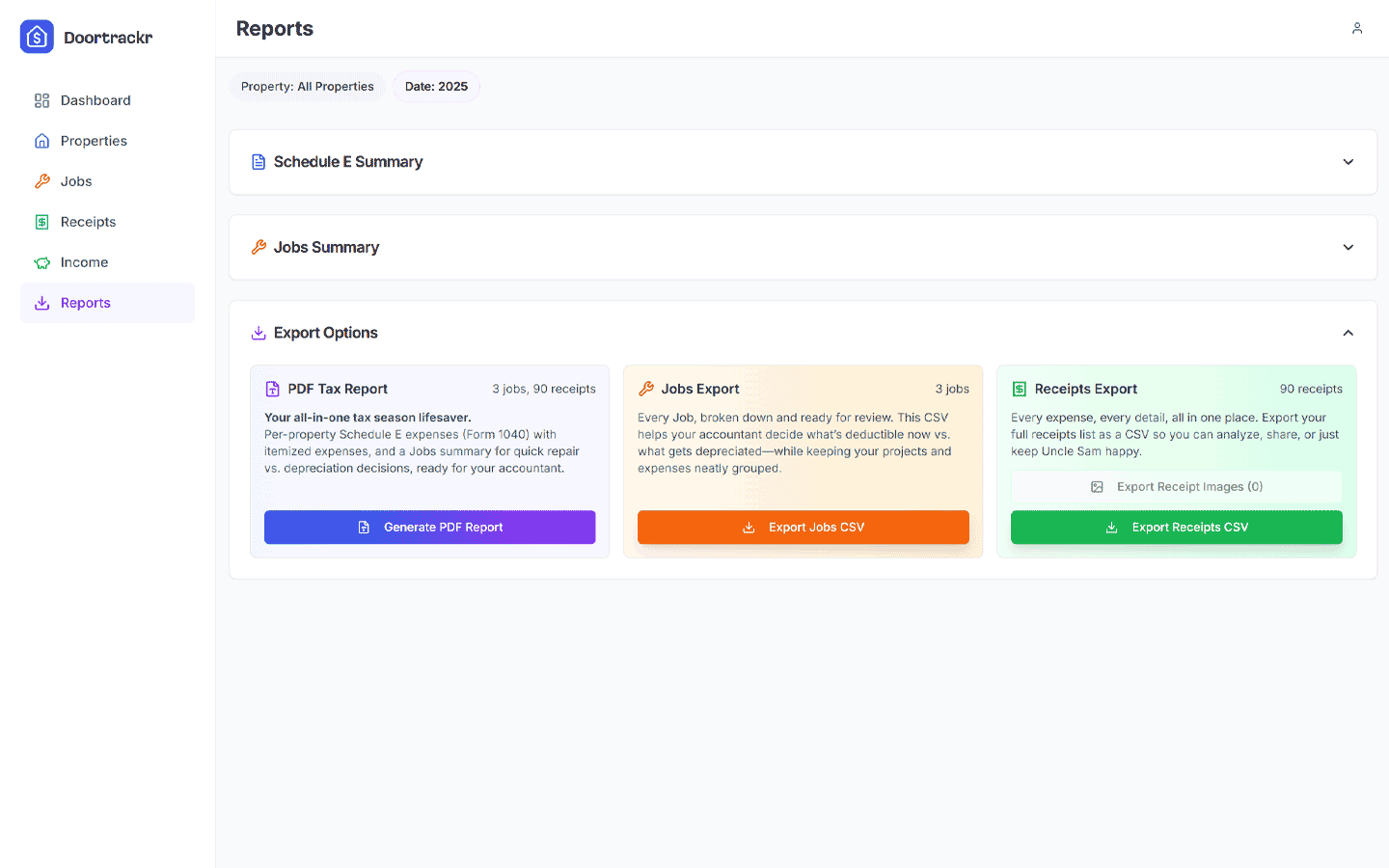
1. Open Reports and set filters
Match the date range and properties you want your accountant to see.
2. Export CSV
Use the CSV export actions on Reports for Schedule E / jobs style downloads.
3. Generate PDF Tax Report
Create the PDF Tax Report for a polished per-property Schedule E layout with itemized expenses, income by category, general-expense allocation, and an optional Jobs appendix.
Tips
- Generate PDFs after categories and properties look clean.
- Keep CSV for spreadsheet wrangling; PDF for handoff.
See also
Still stuck? Email support@doortrackr.com.